How to Clean Electronics at Home Safely — Complete Guide
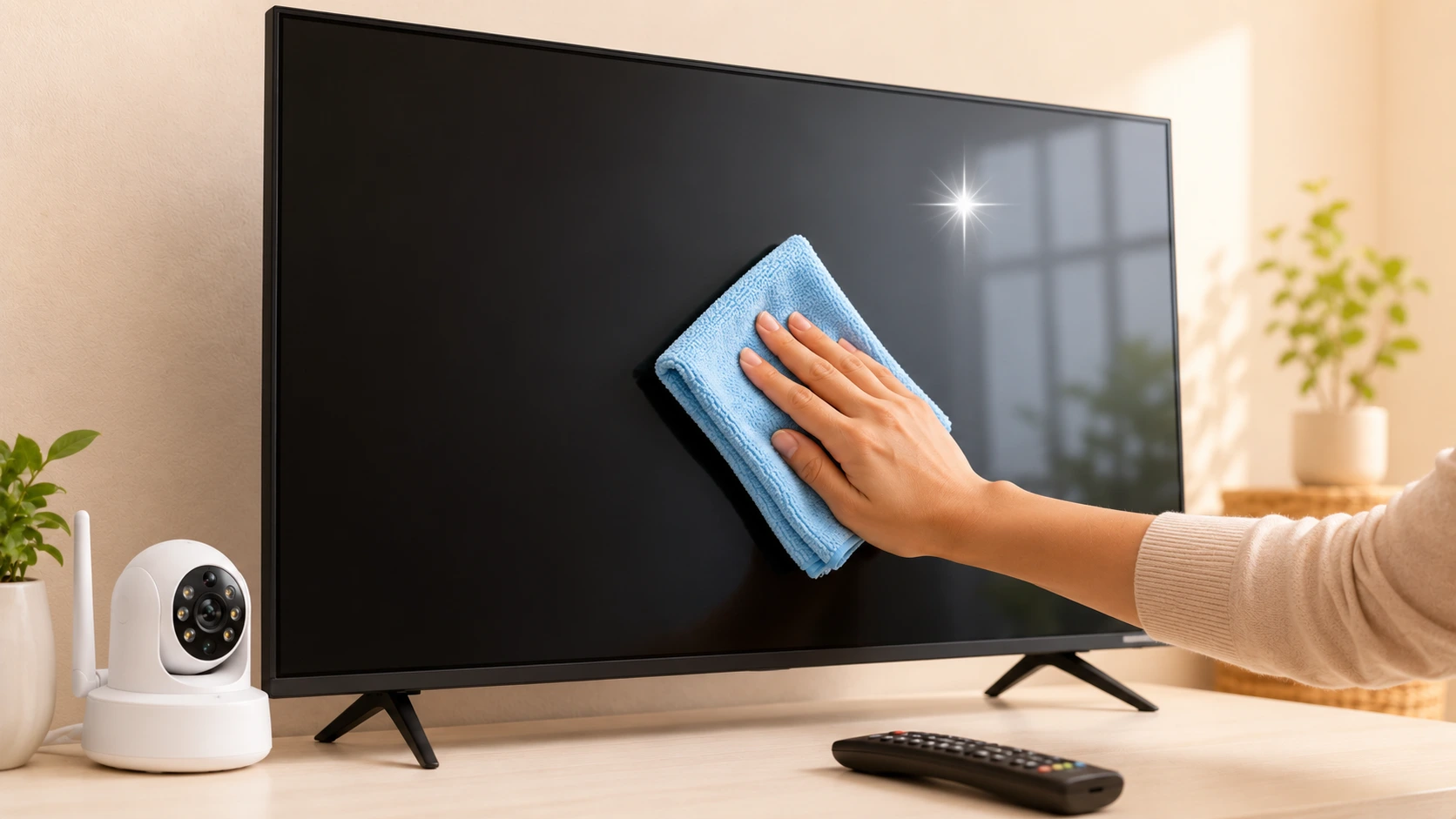
Dust and grime don't just make your electronics look dirty — over time they can actually damage them. Clogged vents cause overheating, dust on lenses ruins camera clarity, and smudges make your TV screen harder to enjoy. The good news? Cleaning your electronics safely is simple once you know the right way.
This complete guide walks you through the safe, effective way to clean your Smart TV screen, CCTV cameras and other home electronics — without causing any damage.
What You'll Need
- A microfibre cloth (soft, lint-free — never paper towels or tissues)
- A second dry microfibre cloth
- Distilled water, or a screen-safe cleaning solution
- Cotton swabs for tight corners
- A can of compressed air (optional, for vents and ports)
How to Clean a Smart TV Screen
TV screens are delicate — the wrong cloth or cleaner can leave permanent scratches or damage the coating. Follow these steps:
- Switch off and unplug the TV. A dark screen also makes dust easier to see.
- Gently wipe the screen with a dry microfibre cloth to remove loose dust.
- For stubborn marks, lightly dampen the cloth with distilled water (never soaking wet) and wipe gently in one direction.
- Finish with the dry cloth to remove any moisture.
How to Clean a CCTV / WiFi Camera
A dusty or smudged lens is the number one reason for blurry security footage. Keeping your WiFi camera clean keeps your recordings sharp:
- Power down the camera before cleaning.
- Use a dry microfibre cloth or a lens cloth to gently wipe the lens.
- For dust in crevices, use a cotton swab or a short burst of compressed air.
- Wipe the housing with a slightly damp cloth, keeping moisture away from ports.
Just set up your camera? Check our guide on setting up a WiFi CCTV camera in 10 minutes.
Cleaning Other Home Electronics
- Remotes: Wipe with a lightly disinfected cloth; use a cotton swab between buttons.
- Set-top boxes & routers: Dust the surface and clear the vents with compressed air to prevent overheating.
- Speakers: Use a soft dry brush or cloth; avoid pushing dust into the mesh.
- Cables & ports: Keep them dry; a quick burst of compressed air clears dust from ports.
Do's and Don'ts
✅ Do
- Unplug devices before cleaning
- Use a soft microfibre cloth
- Apply liquid to the cloth, not the device
- Wipe gently in one direction
- Clean regularly to prevent buildup
❌ Don't
- Spray liquid directly on screens
- Use tissues or paper towels
- Use alcohol, ammonia or glass cleaner on screens
- Press hard on the display
- Clean a device while it's powered on
✅ The Bottom Line
Regular, gentle cleaning keeps your electronics looking great and working longer. Stick to a soft microfibre cloth, keep liquids off the device itself, and always power down first. A few minutes of care every couple of weeks protects your investment for years.
🛒 Shop Smart Electronics at Tanish Electronics
Browse Smart TVs → · Browse Security Cameras →
Frequently Asked Questions
Can I use glass cleaner on my TV screen?
No. Glass cleaners, alcohol and ammonia-based sprays can damage the anti-glare coating on a TV screen. Use only a dry or lightly water-dampened microfibre cloth.
What cloth is safe for cleaning electronics?
A soft, lint-free microfibre cloth is the safest option. Avoid paper towels and tissues, as they can scratch delicate screens and lenses.
How do I clean a blurry CCTV camera lens?
Power down the camera and gently wipe the lens with a dry microfibre or lens cloth. For dust in corners, use a cotton swab or a short burst of compressed air.
Should I spray cleaner directly on the device?
Never. Always apply the cleaning solution to a cloth first, then wipe the device. Spraying directly can let liquid seep into the electronics.
How often should I clean my electronics?
A light dusting every couple of weeks and a more thorough clean once a month is ideal to prevent dust buildup and overheating.