Does a WiFi Camera Work Without Internet? An Honest Answer
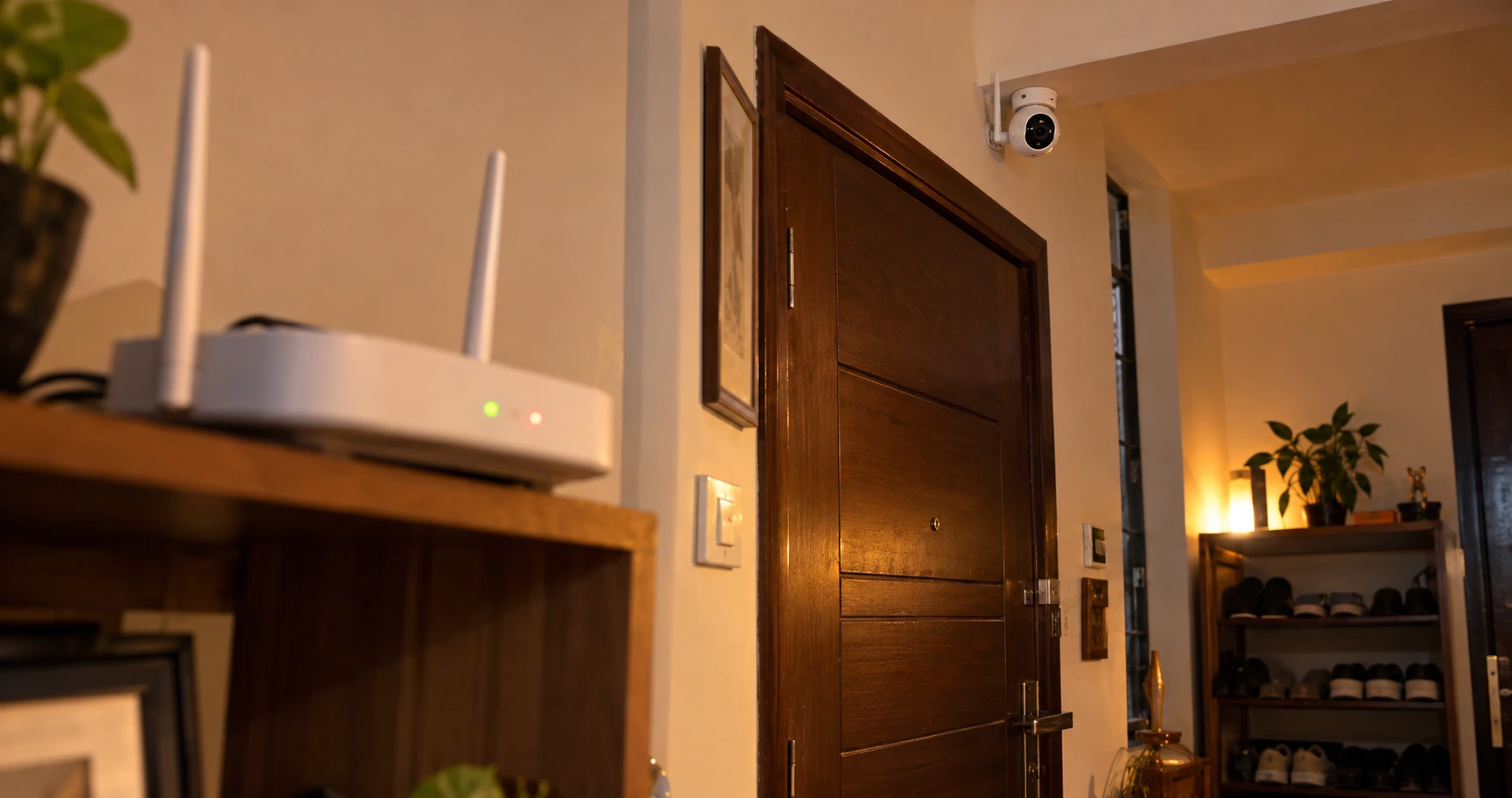
Almost every customer who buys a WiFi camera from our store in Karol Bagh asks the same question at the counter: "Bhaiya, net chala gaya toh camera kaam karega?"
It's a fair question. In most Indian homes, the internet goes off for a few hours every now and then, and the light goes even more often. So here's the honest answer, without the sales talk.
The short answer
Yes, most WiFi cameras keep working without internet, but only partly. If the camera has power and a memory card inside, it keeps recording to the card. What stops is everything that needs the internet: watching live from your phone outside the house, motion alerts, and cloud backup.
When the internet comes back, you can open the app and play back what was recorded while it was off.
What works and what stops
Here's the simple version for a typical home WiFi camera with a microSD card inside:
| Feature | Internet working | Internet off |
|---|---|---|
| Recording to SD card | Yes | Yes, keeps recording |
| Live view from outside the house | Yes | No |
| Motion alerts on your phone | Yes | No |
| Cloud backup (if you use it) | Yes | No |
| Live view at home, on the same WiFi | Yes | Sometimes, depends on the app |
| Playback of old recordings | Yes | After internet comes back |
The one thing to remember: without a memory card, a WiFi camera without internet records nothing. The card is what keeps your footage safe when the net is down.
Internet down, WiFi off, or power cut? They're not the same
People often mix these up, but each one affects the camera differently.
Internet is down
Router is on, but the broadband line isn't working. The camera stays connected to WiFi and keeps recording to the SD card. You just can't see it from outside.
Router is off
The camera loses WiFi. If it has power and a card, it still records. When the router comes back, it reconnects on its own.
Power cut
No power means no recording at all, unless the camera is on an inverter or UPS. This is the one most people forget about.
The SD card is your safety net
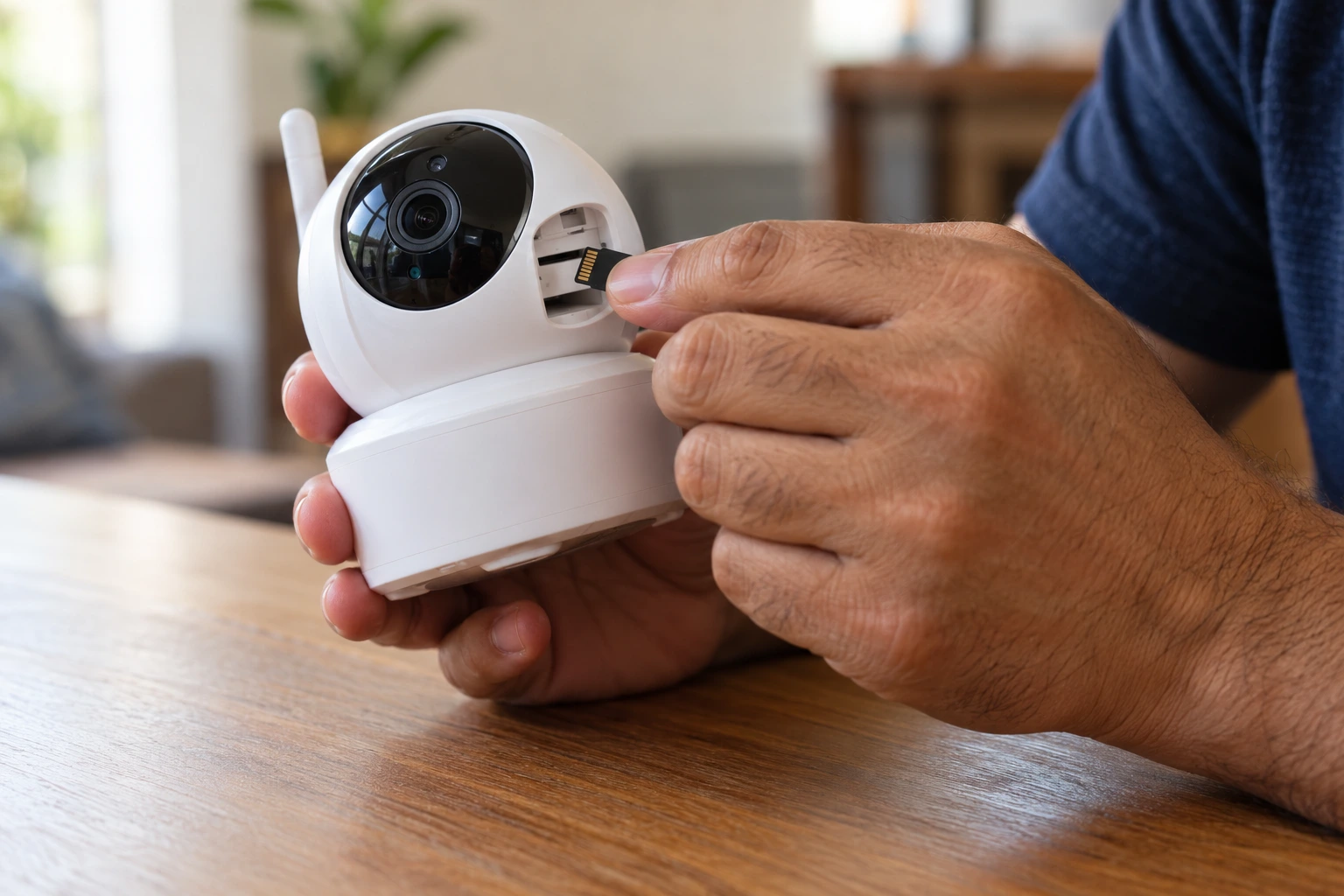
Most home WiFi cameras have a microSD slot. Put a card in, turn on recording in the app, and the camera saves video on the card itself, internet or no internet.
- Pick the right size. Check the maximum card size your camera supports. Most home WiFi cameras take 64 GB or 128 GB. A bigger card than the camera supports may not work.
- Buy a good-quality card. A camera writes to the card all day, every day. Cheap cards fail quickly. Look for a Class 10 / U1 card or better, ideally one labelled "high endurance".
- Know how long it lasts. On continuous recording, a 64 GB card usually holds a few days of video, depending on the resolution. Motion-only recording lasts much longer. When the card is full, the camera overwrites the oldest footage automatically.
- Check it once a month. Open playback in the app and make sure recordings are actually being saved.
Can you watch the camera without internet?
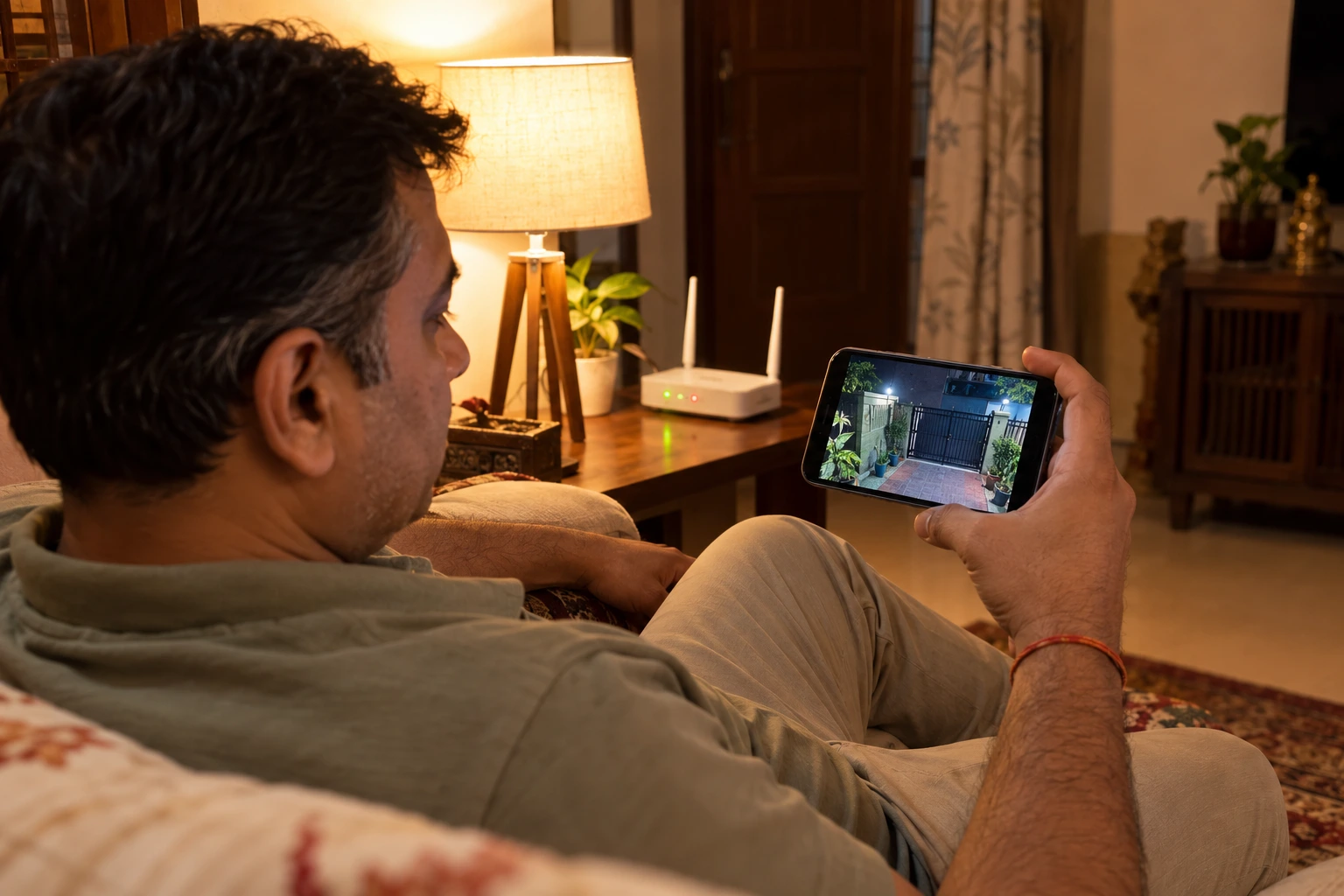
From outside the house, no. Remote viewing always needs internet at both ends.
At home, it depends on your camera's app. Some apps have a local or LAN mode that lets your phone see the camera over the home WiFi even when the broadband is down. Some cameras also have a hotspot (AP) mode, where the camera creates its own small WiFi network and your phone connects to it directly when you're nearby.
Not every app offers these, and the option names differ from app to app. Look in the camera's settings for words like "local mode", "LAN", "AP mode" or "direct connect", or send us a WhatsApp with your camera model and we'll tell you if yours supports it.
One more thing: most WiFi cameras need internet for the first-time setup, because the app links the camera to your account online. Set it up properly once with internet, and after that it can record on its own. Our WiFi CCTV setup guide walks through it.
Power cuts are the real problem
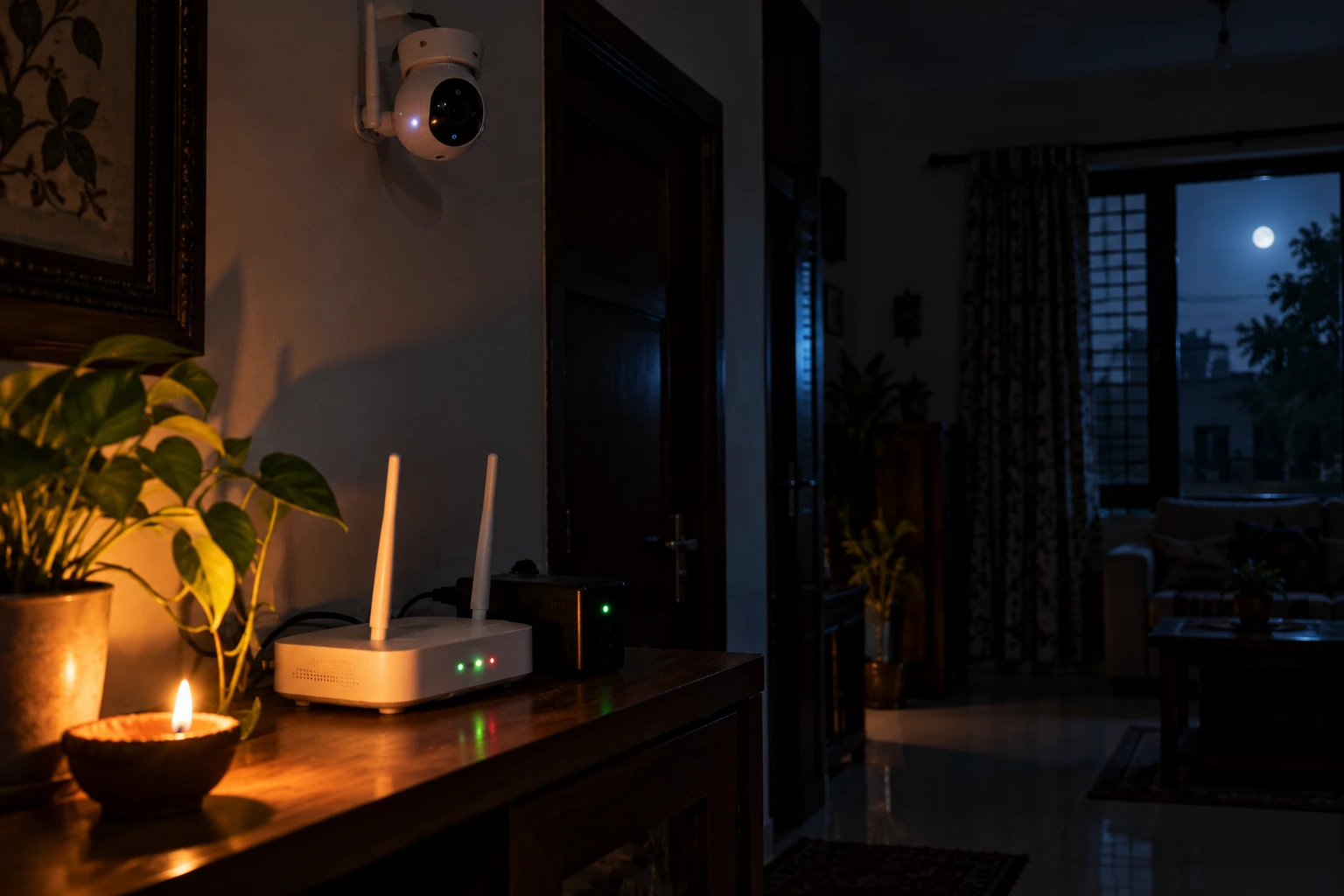
In our experience, footage is lost far more often because of a power cut than because the internet went down. If the camera has no power, nothing gets recorded.
- Connect the camera to the inverter line if your home has one. It's usually a small wiring job for an electrician.
- Put the router on the inverter too. That way, alerts and live view keep working during a power cut, as long as the broadband line itself is up.
- No inverter? A small mini UPS made for WiFi routers can keep the router running for a few hours. Some people also run one camera from it, if the power ratings match.
No WiFi at all? Think about a 4G camera
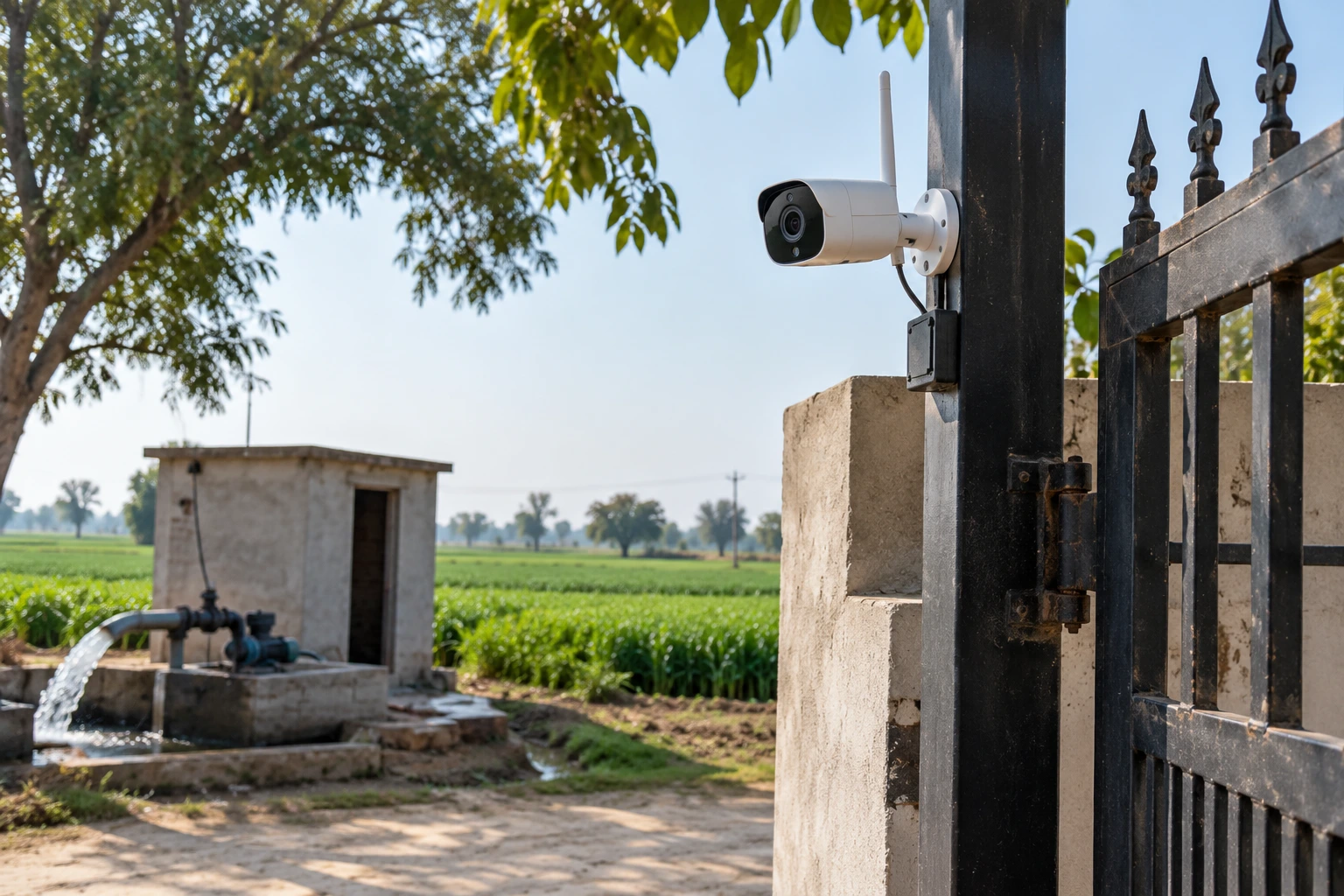
For a farmhouse, a shop at a construction site, a godown, or a village home without broadband, a regular WiFi camera isn't the right choice. That's where a 4G SIM camera makes sense. It uses a mobile data SIM instead of WiFi, so you can watch it live from anywhere with mobile network coverage.
Keep in mind that it needs a data plan, and the picture quality depends on how strong the mobile signal is at that spot. Check the signal there with your own phone first.
Our honest advice
For most homes in a city, a WiFi camera with a good SD card is the right choice. Internet cuts are usually short, and the card covers them. Just do three things:
- Always keep a good-quality memory card inside.
- Put the camera and router on the inverter.
- Check your recordings in the app once a month.
Do that, and your camera will keep watching even on the days the internet doesn't.
Not sure whether you need an indoor or outdoor camera? Read our indoor vs outdoor camera guide, or our home security tips for Indian households. Installing cameras for clients? We also supply CCTV installers at wholesale prices.
Frequently Asked Questions
Does a WiFi camera record without internet?
Yes, if it has power and a microSD card inside with recording turned on. It saves video on the card, and you can watch it in the app once the internet is back.
Can I see my WiFi camera on my phone without internet?
Not from outside the house. At home, some camera apps have a local (LAN) or hotspot (AP) mode that lets you watch over the home WiFi or a direct connection. It depends on your camera's app.
Will I get motion alerts when the internet is down?
No. Alerts are sent over the internet, so they stop until the connection is back.
Does a WiFi camera work during a power cut?
Only if it's connected to an inverter or UPS. Without power, it can't record anything.
Can I set up a WiFi camera without internet?
Most WiFi cameras need internet for the first-time setup in the app. After that, they can keep recording to the SD card even if the internet goes off.
Which camera should I buy for a place with no WiFi?
A 4G SIM camera. It uses a mobile data SIM instead of WiFi, so it works at farmhouses, sites and godowns without broadband.