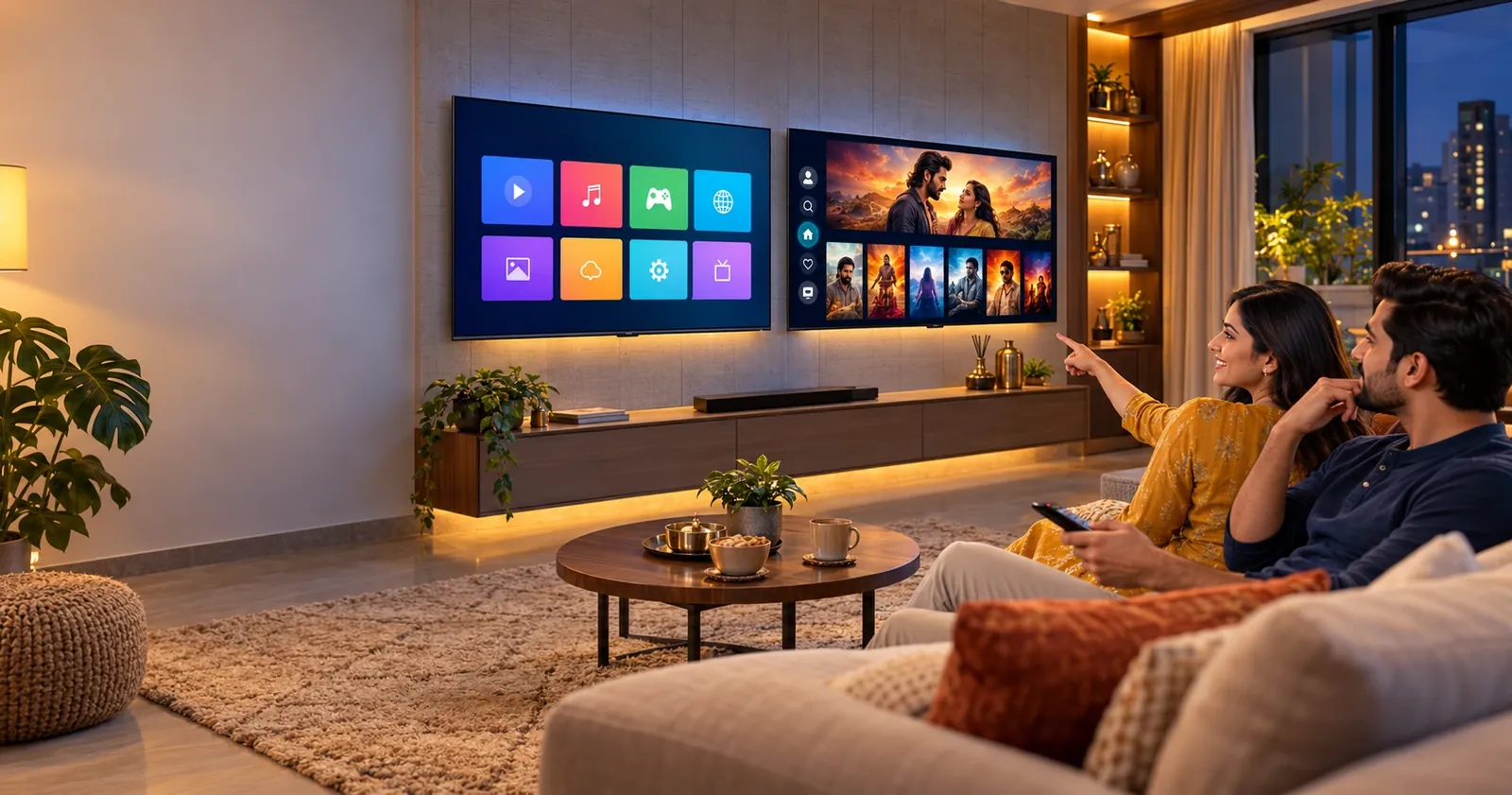
Every Android TV is a smart TV, but not every smart TV is an Android TV. For most Indian families, an Android TV (or its newer version, Google TV) is the better pick, because it offers the widest choice of apps and the easiest phone-to-TV casting. A regular smart TV still makes sense if you want a simple, smooth TV at a lower price and only use a few popular apps.
At Tanish Electronics, this is one of the questions customers ask us most often. The labels in the showroom say “Smart TV”, “Android TV” and “Google TV”, and they all seem to do the same thing. In this guide, we explain the difference in plain words so you can buy the right TV for your home.
What is a smart TV?
A smart TV is any TV that connects to the internet and runs apps. You can stream Netflix, YouTube or Prime Video directly, without a set-top box or streaming stick.
The important part is the software inside, called the operating system (OS). Different brands use different systems:
- Tizen on Samsung TVs
- webOS on LG TVs
- VIDAA on some Hisense and other models
- Custom or Linux-based systems on many budget TVs from smaller brands
These systems are usually light and quick, and they work well on modest hardware. The trade-off is a smaller app store. Big apps like Netflix, YouTube, Prime Video and JioHotstar are almost always there, but smaller regional, education or utility apps may be missing, and on budget models some apps may stop getting updates after a few years.
What is an Android TV?
An Android TV is a smart TV that runs Google’s Android TV operating system, first launched in 2014. It is built on the same Android you use on your phone, adapted for a big screen and a remote.
Because it is made by Google, an Android TV gives you:
- Google Play Store with thousands of apps and games
- Google Assistant for voice search and smart home control
- Chromecast built-in to cast videos and photos from your phone
- Regular app updates from the Play Store
Where does Google TV fit in?
Google TV is not a different system. It is a newer, smarter home screen that runs on top of Android TV, introduced by Google in 2020. The apps, Play Store, Assistant and Chromecast are the same.
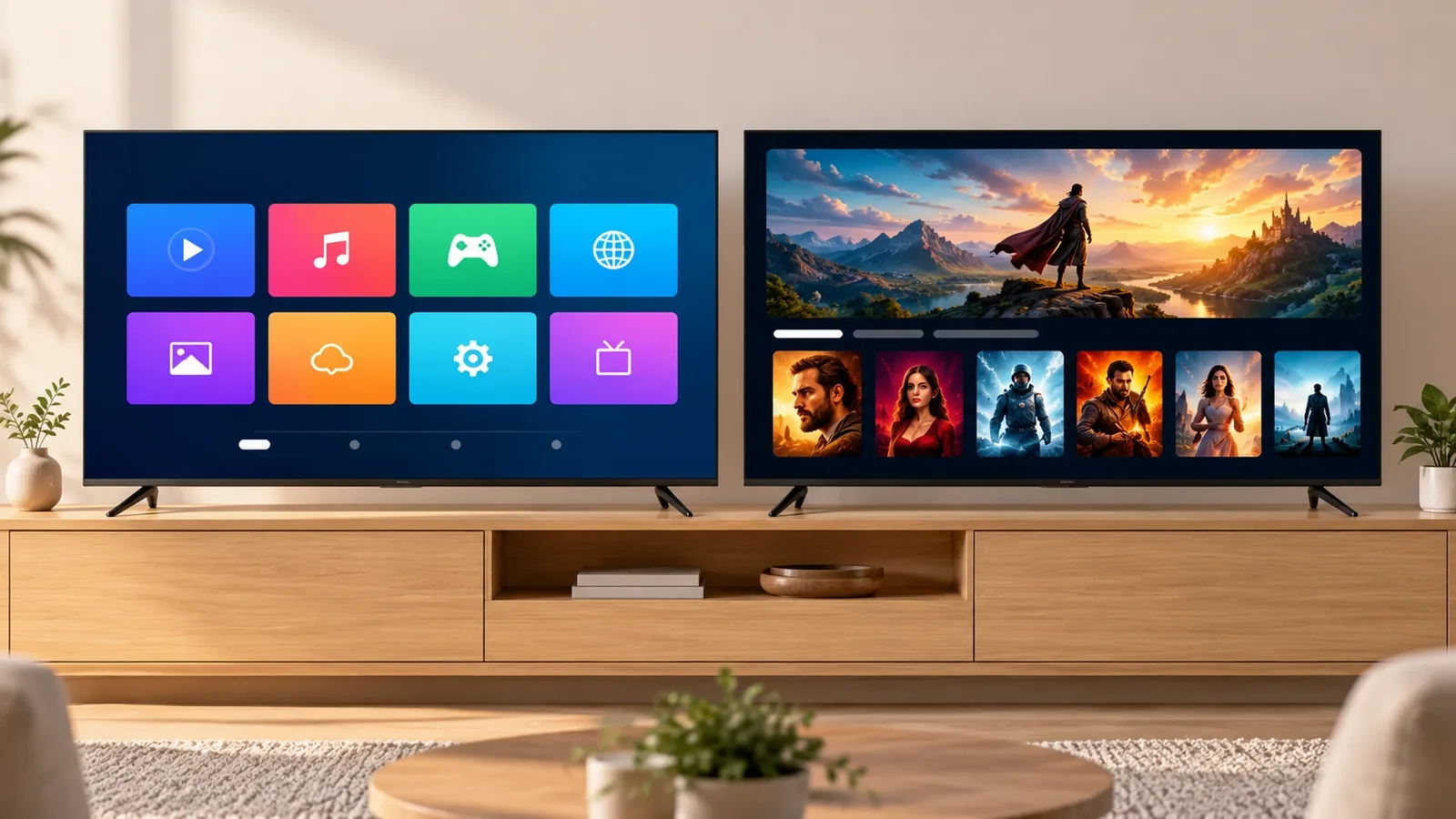
The big change is how you find things to watch. Android TV shows a row of apps, so you open each app and search inside it. Google TV shows movies and shows from all your apps (Netflix, Prime Video, JioHotstar, SonyLIV, ZEE5, YouTube and more) in one personalised feed. It also adds a watchlist that syncs with your phone and separate profiles for each family member, including kids’ profiles.
Most new TVs from Sony, TCL and Hisense now come with Google TV, while many budget models still use the classic Android TV screen. In this guide, when we say “Android TV” we include Google TV too, since both share the same foundation.
Smart TV vs Android TV: key differences
1. App choice
This is the biggest difference. Android TV gives you the full Google Play Store, so you can install almost any TV app, including regional channels, learning apps, games and tools like a web browser or file manager. A regular smart TV has its own smaller app store, which covers the popular apps but not much beyond that.
2. Home screen and ease of use
Smart TVs from Samsung and LG have clean, simple menus that are easy for elders to learn. Android TV shows a row of apps, while Google TV goes further and recommends content from all your apps in one place. If your family uses many streaming apps, Google TV saves time every evening.
3. Voice control
Android TVs come with Google Assistant, so you can say “play the latest cricket highlights” or switch off the smart lights from the remote. Many smart TVs also have voice control, such as Bixby or Alexa on some models, but Google Assistant is the most widely used and also works with Hindi voice search.
4. Casting from your phone
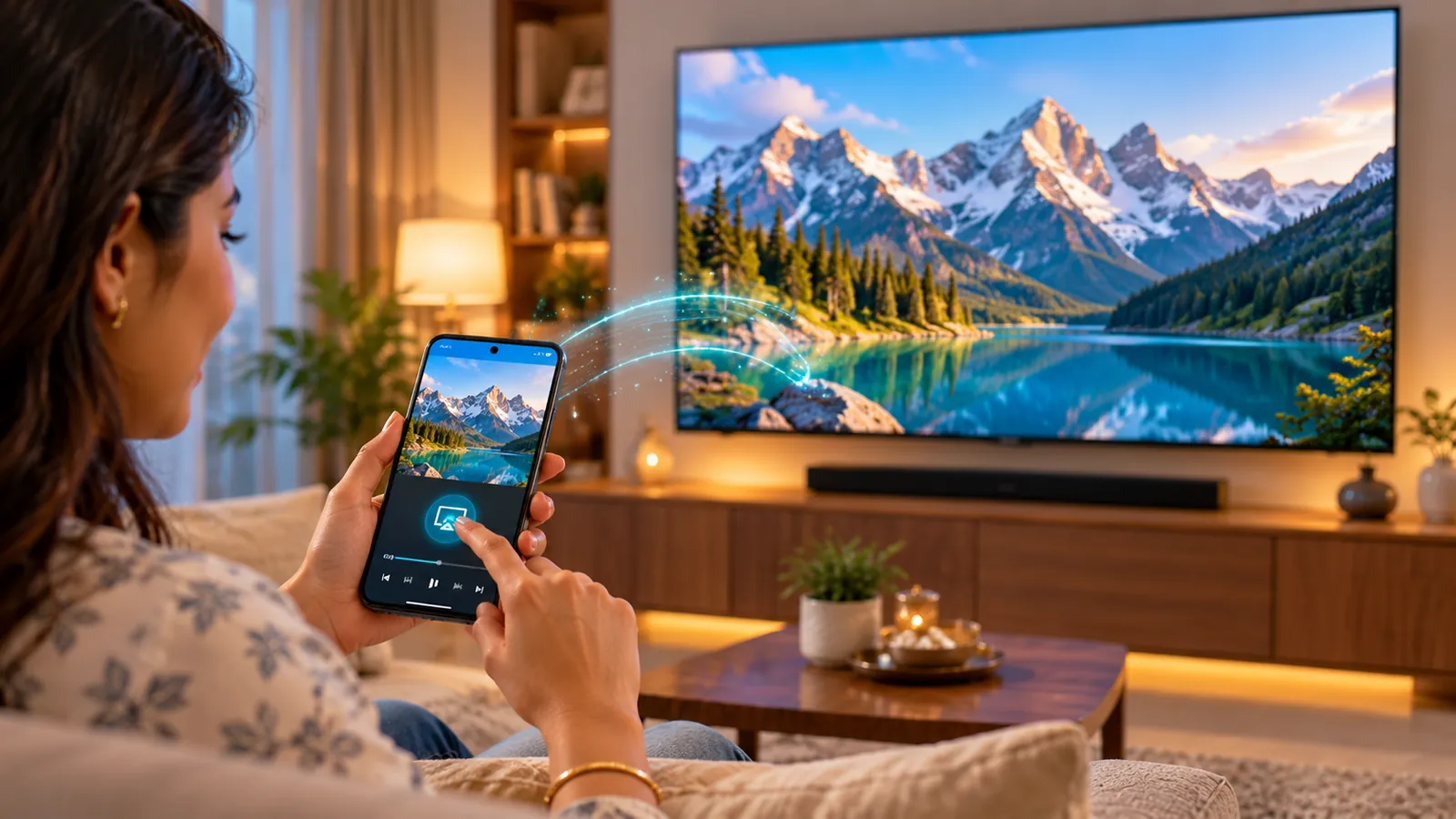
Android TV has Chromecast built-in, so you can tap the cast button on YouTube or Netflix on any Android phone and play it on the TV. Many smart TVs support screen mirroring or AirPlay instead, which works, but Chromecast is usually the smoothest option for Android phone users.
5. Speed and performance
Light smart TV systems often feel snappy even on budget hardware. Android TV and especially Google TV need more processing power and memory, so a cheap model with low RAM and storage can feel slow after a year of app updates. Always check the processor, RAM and storage, not just the screen size.
6. Updates and long-term support
Apps on Android TV update through the Play Store, so they usually keep working for years. Big brands like Samsung and LG also support their own systems well. Budget smart TVs with custom systems are the weakest here, as some apps may stop working when the brand stops updating them.
7. Price
Basic smart TVs are often the cheapest way to get streaming on a big screen. Android TVs cost a little more in the same size, and Google TV models are usually priced a step higher, though the gap has become small in recent years.
Quick comparison table
| Feature | Smart TV (Tizen, webOS, others) | Android TV | Google TV |
|---|---|---|---|
| App store | Brand’s own store, popular apps only | Full Google Play Store | Full Google Play Store |
| Home screen | Simple brand menu | Row of apps | Personalised feed from all apps |
| Voice assistant | Varies by brand | Google Assistant | Google Assistant |
| Phone casting | Screen mirroring or AirPlay on some models | Chromecast built-in | Chromecast built-in |
| Family profiles | Limited on most models | Basic | Separate profiles, including kids |
| Performance on budget hardware | Usually smooth | Can slow down with low RAM | Needs better hardware |
| Price | Lowest | Mid | Slightly higher |
| Best for | Simple use, elders, tight budget | App variety at a good price | Families with many subscriptions |
Pros and cons
Smart TV
Pros
- Simple, easy menus that anyone at home can use
- Smooth performance even on lower-cost models
- Usually the lowest price for a given screen size
- Samsung and LG systems are polished and well supported
Cons
- Smaller app store; some regional or niche apps are missing
- Budget brands may stop updating apps after a few years
- Casting from Android phones is not always as smooth
Android TV and Google TV
Pros
- Full Google Play Store with the widest choice of apps and games
- Google Assistant and Chromecast built-in
- Google TV recommends shows from all your apps in one place
- Family and kids’ profiles on Google TV
Cons
- Low-RAM budget models can feel slow over time
- Google TV shows recommendations based on viewing history, which some people find too personalised (it has an apps-only mode to turn this off)
- Home screens on some models show promoted content
Which is better for you?
There is no single winner for every home. The right TV depends on how your family watches.
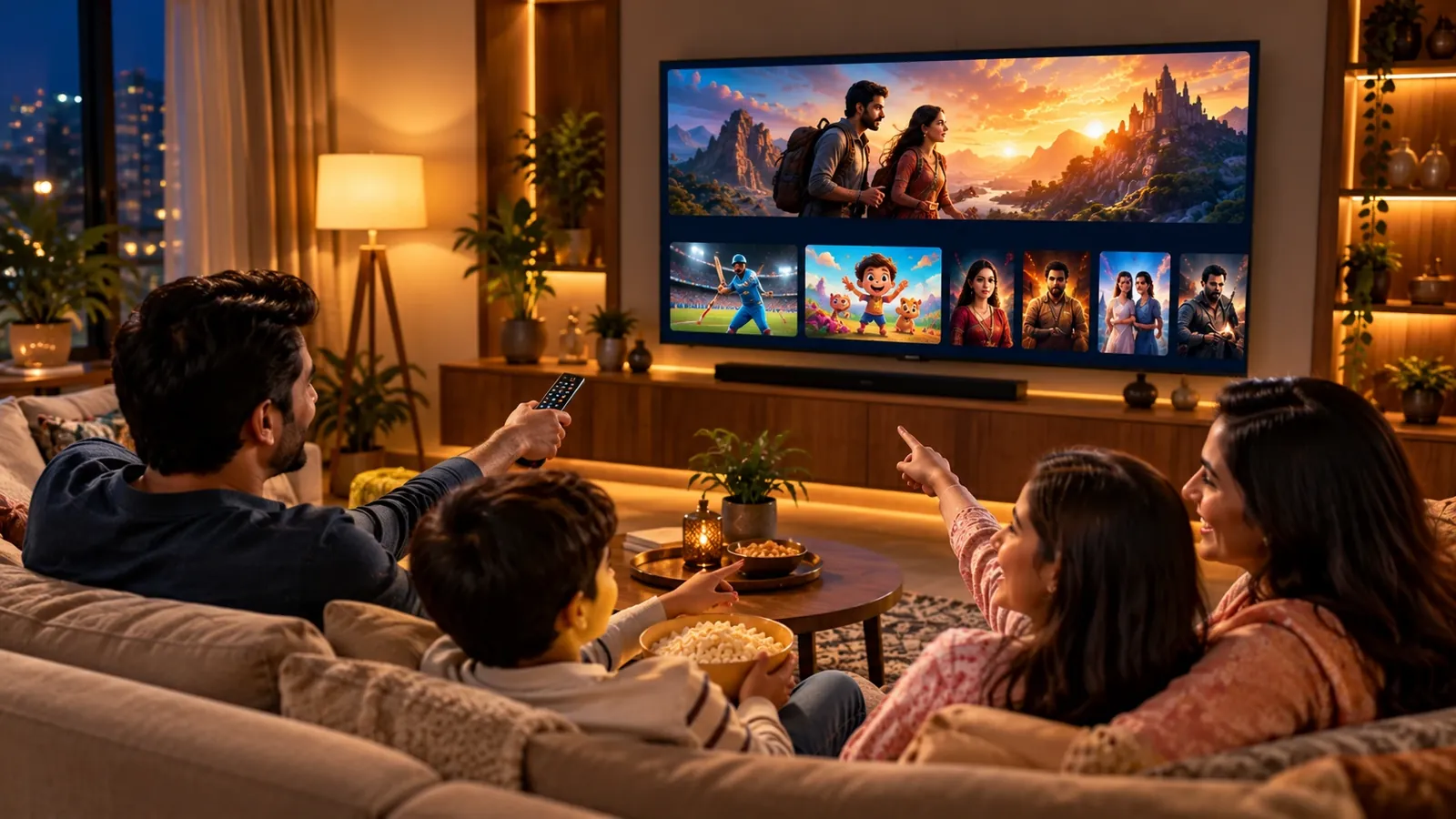
Choose a Google TV if your family has several subscriptions like Netflix, Prime Video, JioHotstar and SonyLIV, and you often spend time deciding what to watch. The single content feed, watchlist and kids’ profiles make it the most complete option today.
Choose an Android TV if you want the full Play Store, Chromecast and Google Assistant at a lower price, and you mostly open the same few apps. It is a great value pick for a bedroom or a second TV.
Choose a regular smart TV if you want a premium Samsung or LG with a simple, polished menu, or the lowest price for a basic TV. It suits elderly parents or homes that mainly watch YouTube and one or two OTT apps.
Our recommendation: for most families buying a new TV today, a Google TV or Android TV with good hardware gives the best mix of apps, features and long-term value.
Buying tips before you choose
- Check RAM and storage. For Android or Google TV, look for at least 2 GB RAM and 16 GB storage so apps run smoothly and you have room for updates.
- Confirm your must-have apps. Make sure the TV supports every app your family uses, especially regional OTT and live TV apps.
- Look at the remote. Shortcut buttons for Netflix, Prime Video or YouTube and a voice button make daily use much easier.
- Match the screen to the room. Choose 4K for 50 inches and above, and consider HDR support for a better picture on Netflix and Prime Video.
- Ask about updates and warranty. A brand that supports its software for longer will keep your TV useful for more years.
- See it in person. Try the home screen and remote in the store before you buy; the feel of the menu matters as much as the specs.
Frequently asked questions
Is an Android TV a smart TV?
Yes. Android TV is one type of smart TV, the one that runs Google’s operating system. Samsung and LG TVs are also smart TVs, but they run their own systems.
Is Google TV better than Android TV?
Google TV is the newer version of Android TV with a better home screen, watchlist and family profiles. Both use the same apps, so Google TV is better for content discovery, while Android TV is fine if you mainly use a few apps.
Can I install any app on a smart TV?
Not always. Regular smart TVs only allow apps from the brand’s own store. Android and Google TVs give you the full Google Play Store, so the choice is much wider.
Can I turn my regular TV or smart TV into an Android TV?
Yes. You can connect a streaming device such as a Google TV stick or another Android TV box to the HDMI port. This adds the Play Store, Chromecast and Google Assistant to almost any TV.
Can my old Android TV be upgraded to Google TV?
Usually not. Most Android TVs keep the classic home screen, and Google TV mainly comes on new models. A Google TV streaming device is the easiest way to get it on an older TV.
Which is better for elderly parents?
A simple smart TV menu or Google TV with the remote’s voice button both work well. Voice search lets them find shows without typing.
Conclusion
A smart TV gives you streaming with a simple menu, while an Android TV opens up the full world of Google apps, voice control and casting. Google TV takes Android TV a step further with one feed for all your shows. For most homes, an Android or Google TV with good hardware is the smarter long-term choice, and a regular smart TV is a sensible pick when simplicity or budget comes first.
Still not sure which one suits your family? Visit Tanish Electronics to see Smart TVs, Android TVs and Google TVs side by side. Our team will help you compare the menus, picture quality and prices, so you take home the right TV with confidence.